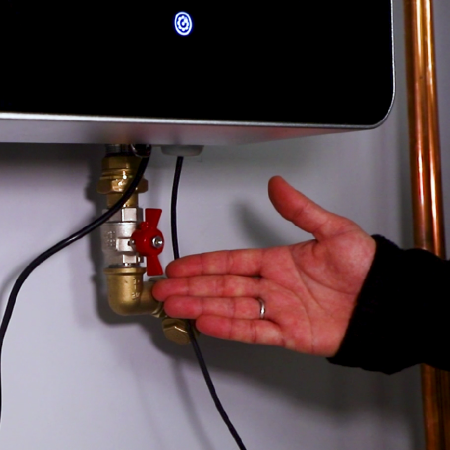
Removing Air from the Boiler
-
Entering Service Mode
To facilitate the process of air removal, you need to enter the boiler’s service mode.
Follow these steps:
- Ensure that the heating icon and hot water icon are inactive.
- Hold the settings icon for 6 seconds until a “P” with a number appears on the display. This indicates that you have entered service mode.
-
Activating the Pump
- Select parameter P1.
- Confirm entry into the parameter using the “off” icon.
- The display will start flashing zero. Use the up arrow to select 1 and confirm with the “off” icon.
- The pump will turn on, and the pump icon will appear on the display. The process of removing air from the boiler has begun.
-
Calculating Coolant Flow Rate
- Without turning off parameter P1, go to parameter P3 using the up arrow and confirm with the “off” icon.
- After 2 seconds, the coolant flow rate in liters per minute will be calculated and displayed as “L” with a number.
- The recommended coolant flow rate through the boiler should be between 10 and 25 liters per minute (L10 – L25).
- If the coolant flow through the boiler stops, it means air is entering the boiler.
-
Releasing Air from the Boiler
- Go back to parameter P1 and turn off the pump by setting parameter P1.0.
- Allow the air to exit the boiler on its own through the automatic air vent.
- After 5 minutes, reactivate the pump and check the coolant flow rate through the boiler.
- Repeat this process until all the air is removed from the boiler.
-
Final Checks
- Check the coolant flow rate through the boiler. It should be continuous and stable at one value.
- After confirming the stability of the coolant flow rate, turn off the pump by setting parameter P1.0 and exit the service mode.
The process of removing air from the boiler is complete.
-
Setting the Pump Mode for Regular Use
Set the most suitable operating mode for the circulation pump according to the pump parameter setting instructions, which are also included in this section.
Instructions that will be useful to you
Previous
The next